Case Study, Meshy in Houdini
AI Generated Images to High Grade Models
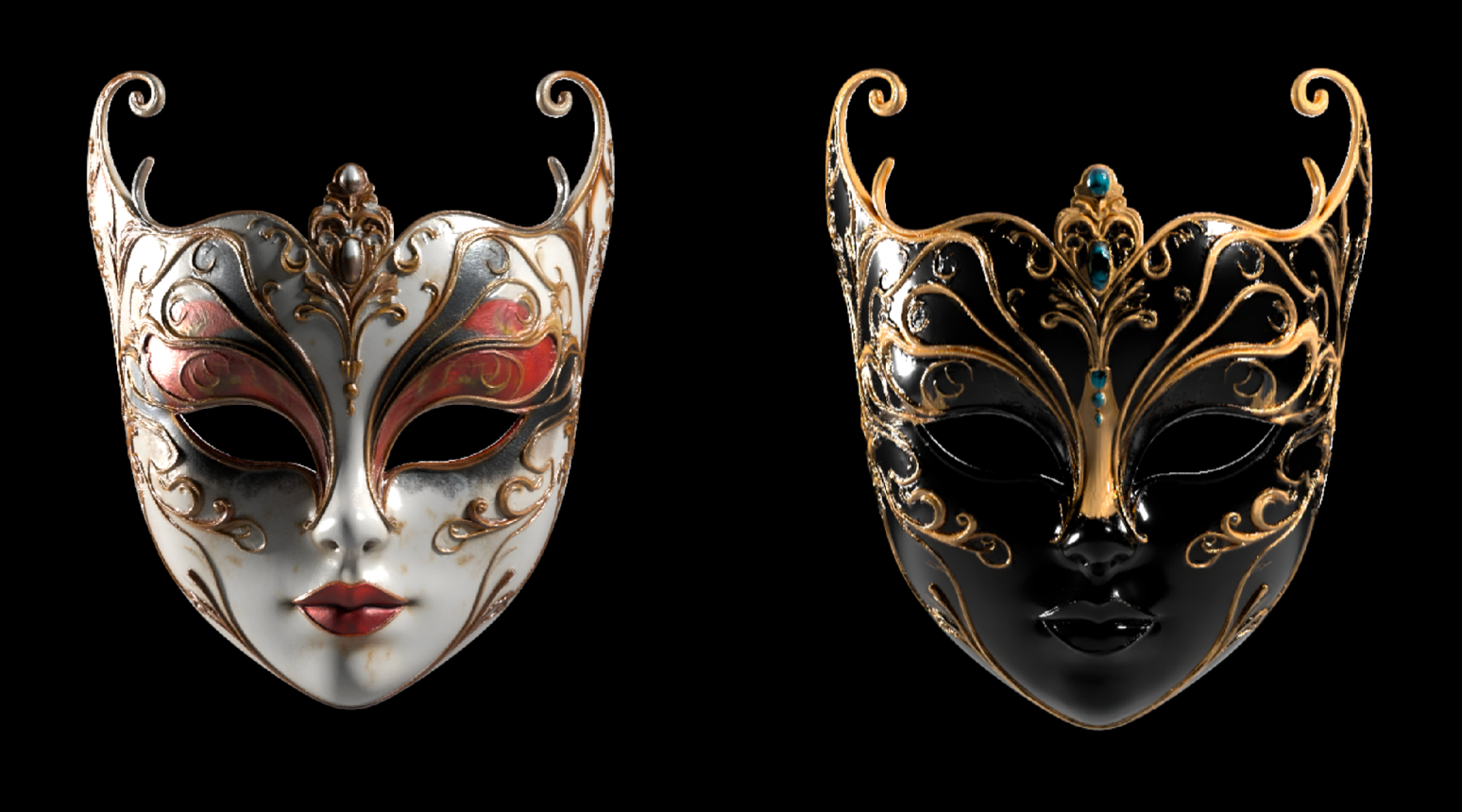
Meshy AI is one of the many tools that turn a single or set of images into a 3D model plus generating a series of textures that are used to render the models.
I’ve chosen this model to explore the workflow of AI generated “art direction frames” into 3D models.
These models can then be used directly for rendering or used as a guide for further AI generation.
Thank you!
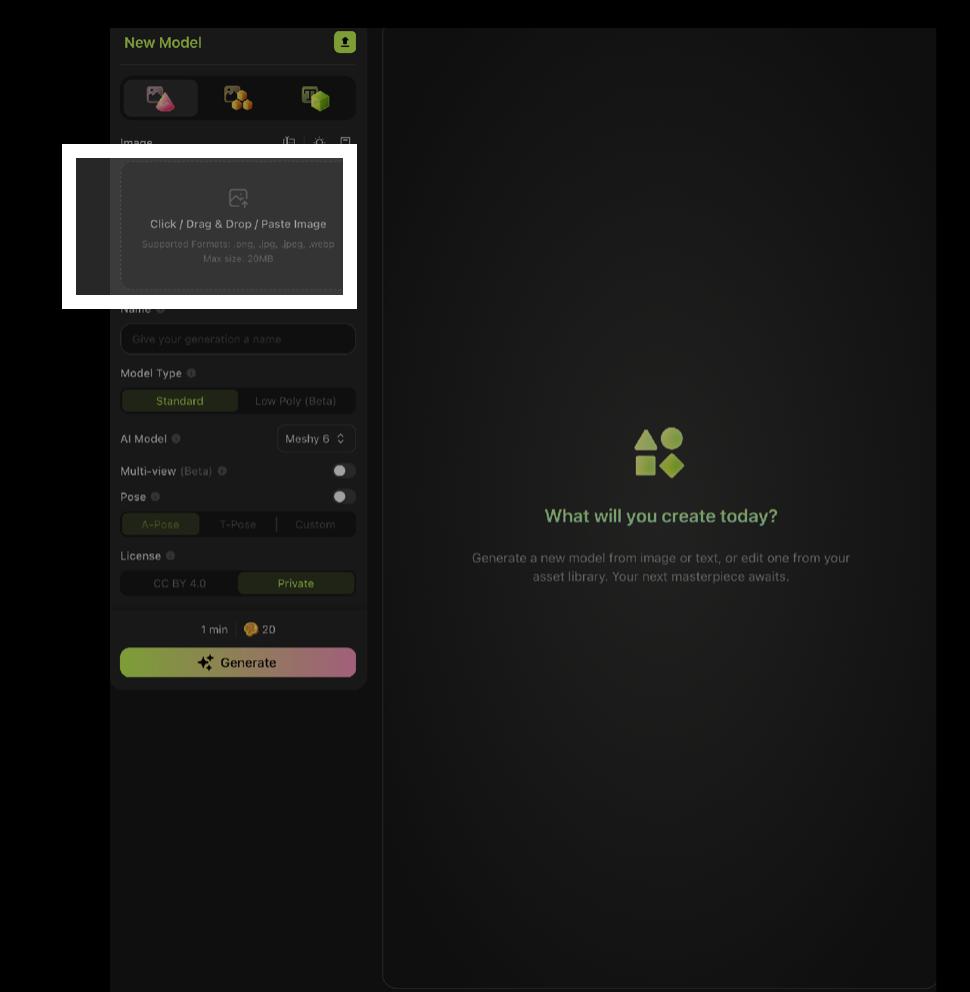
The Meshy web-app is easy to use and understand, you simply drag in an image and press generate.
There are some extra options but most are hidden in their API, which I will come back to later.
One interesting feature is the ability to generate a multi-view of the image, I believe this is using Nano Banana to imagine different perspectives.
This can help the model to imagine what is hidden from view in the input image.
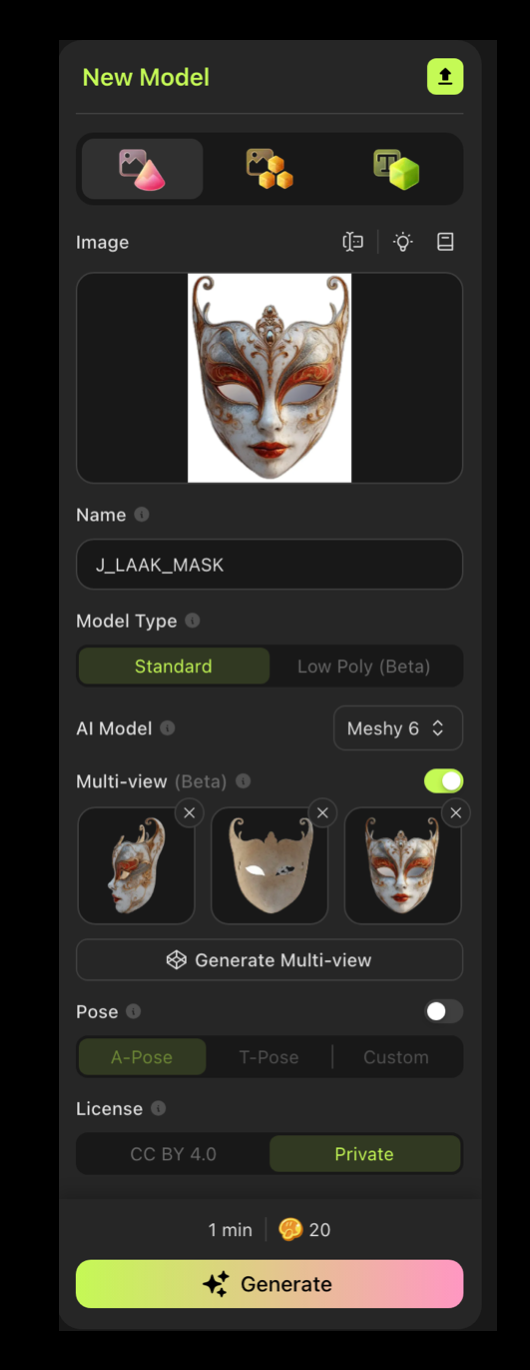
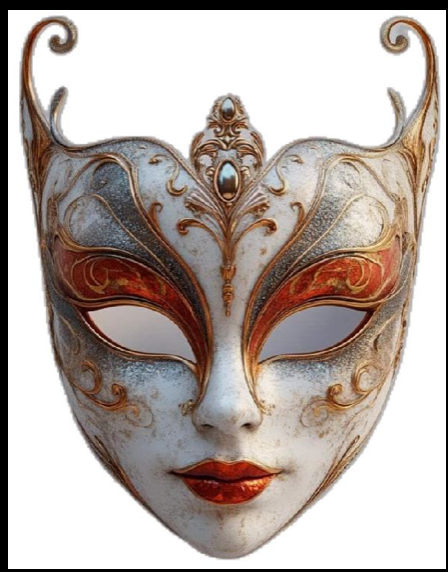
Input image from Pinterest
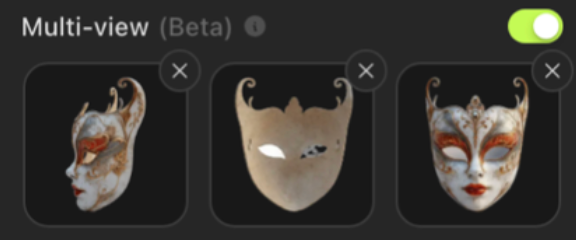
AI Generated Multi View
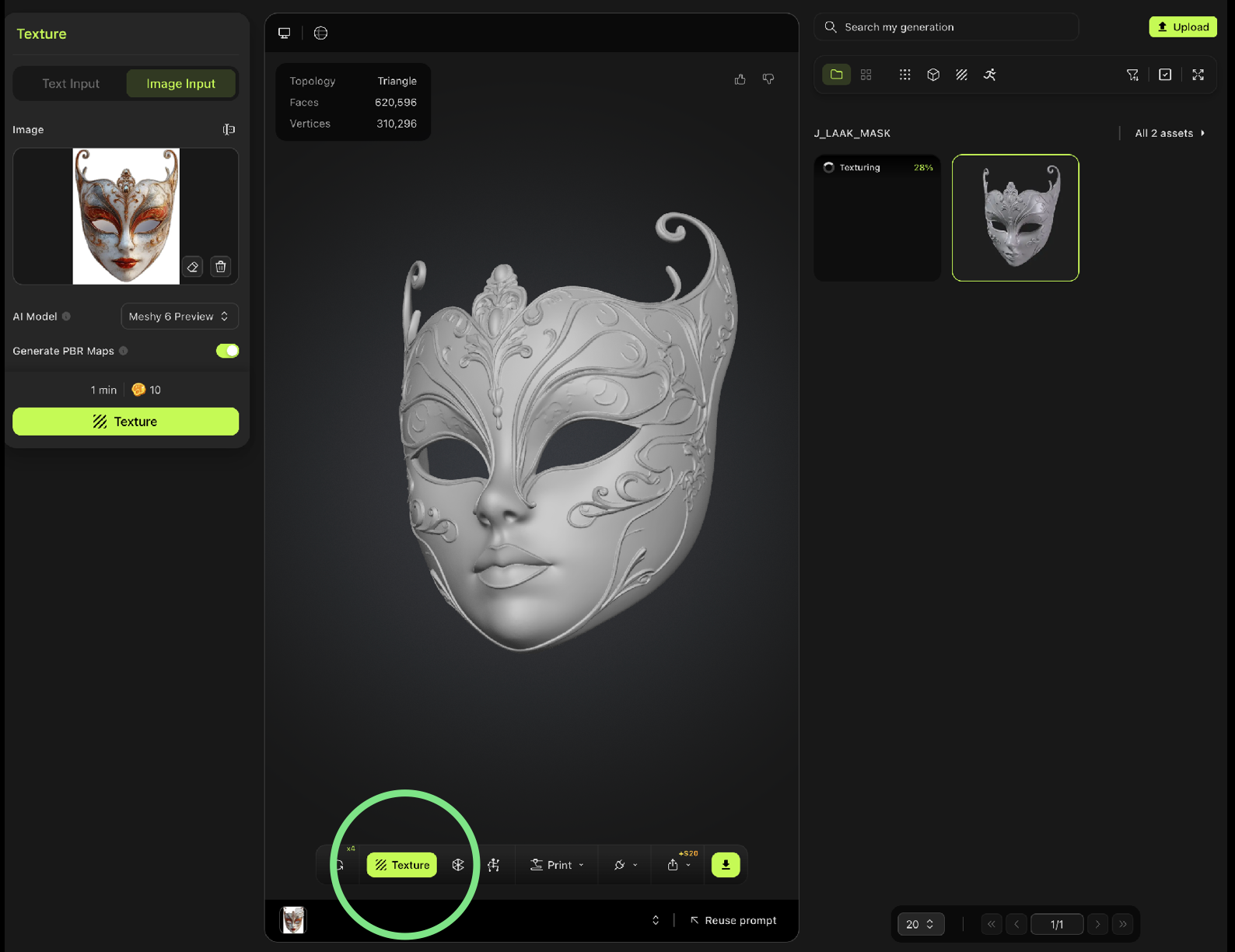
This is the result after generating the 3d model. This is mostly used to verify if the shapes translate well to what the user expects.
Press the “texture” button to generate the 3D textures from the input image..
Auto Texture
The AI generated set of textures can be used to define the material of the model. As shown it also generates the unseen portions of the model.
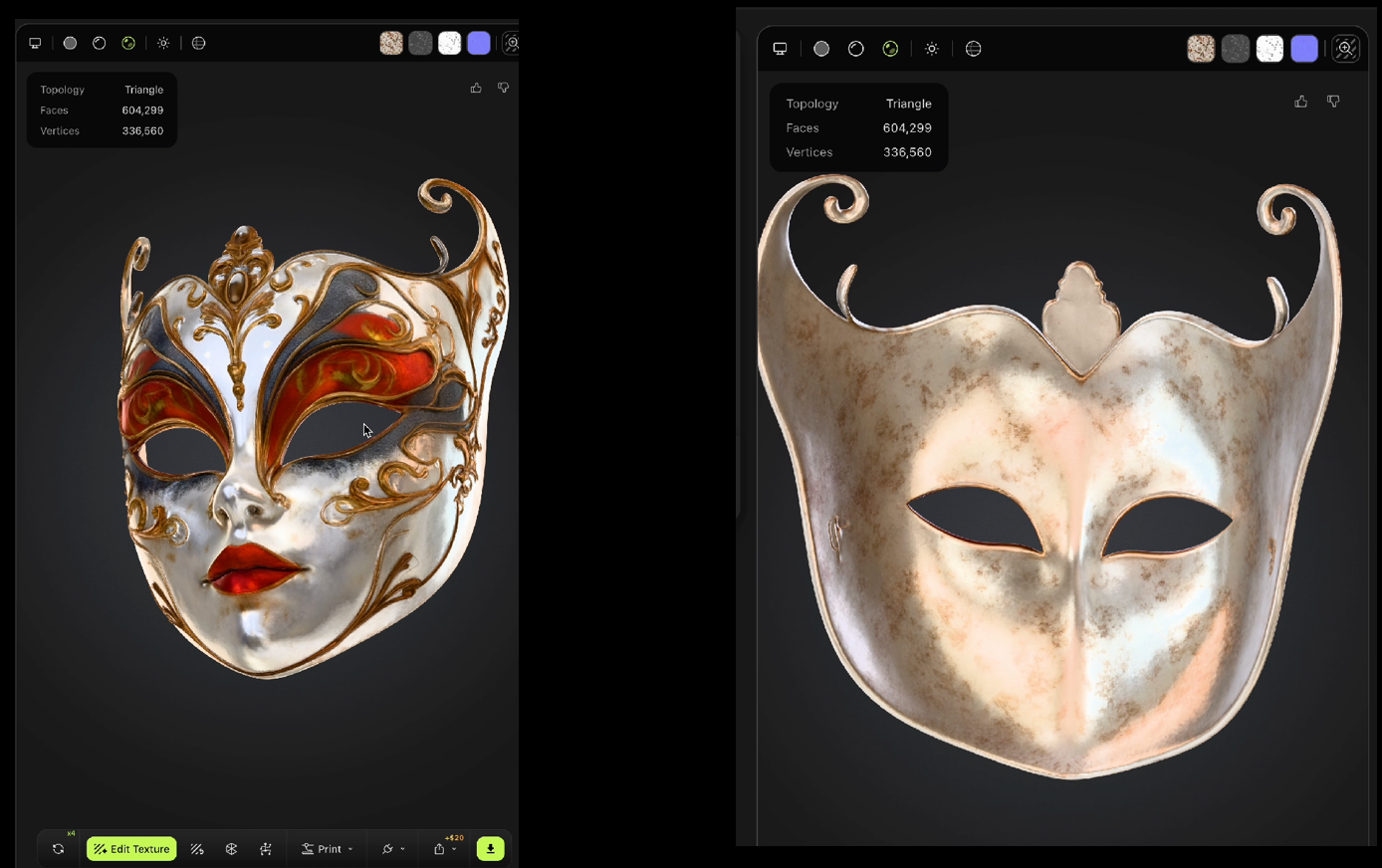
Textures
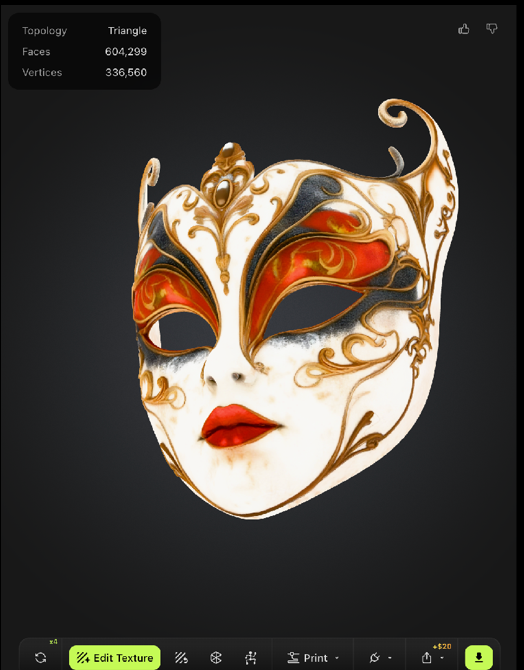
Color defines the Albedo of the material.
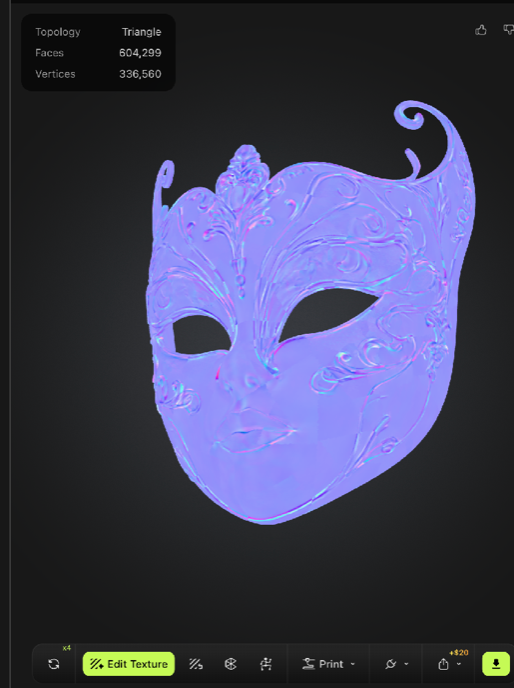
Normals map adds surface details
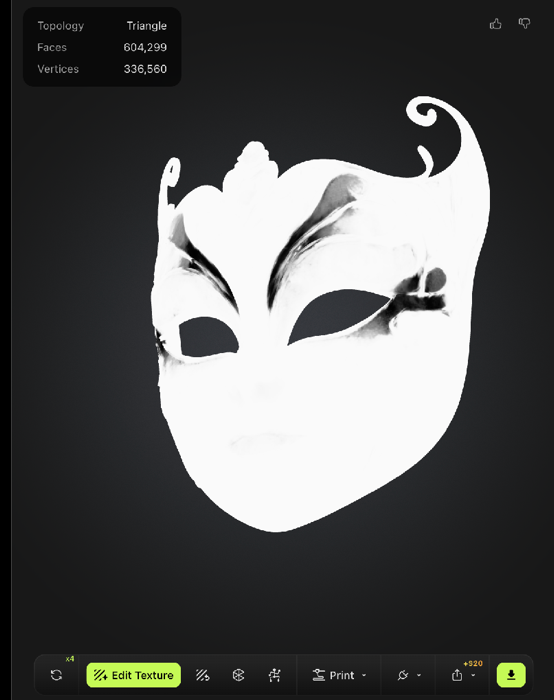
Metalness, how "metallic" a material is, the darker parts will look more like a metal.
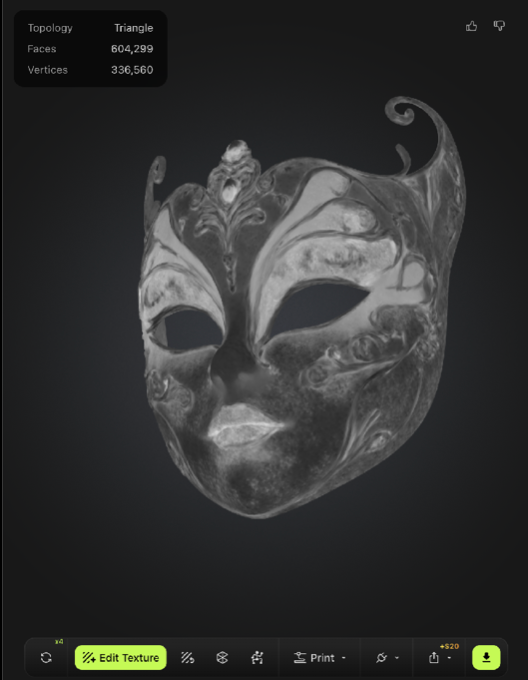
Roughness describes the smoothness or dullness of a surface.
UV MAPPING
This is what the actual PNG files look like, incomprehensible for an artist but with Houdini we can use it in several ways.
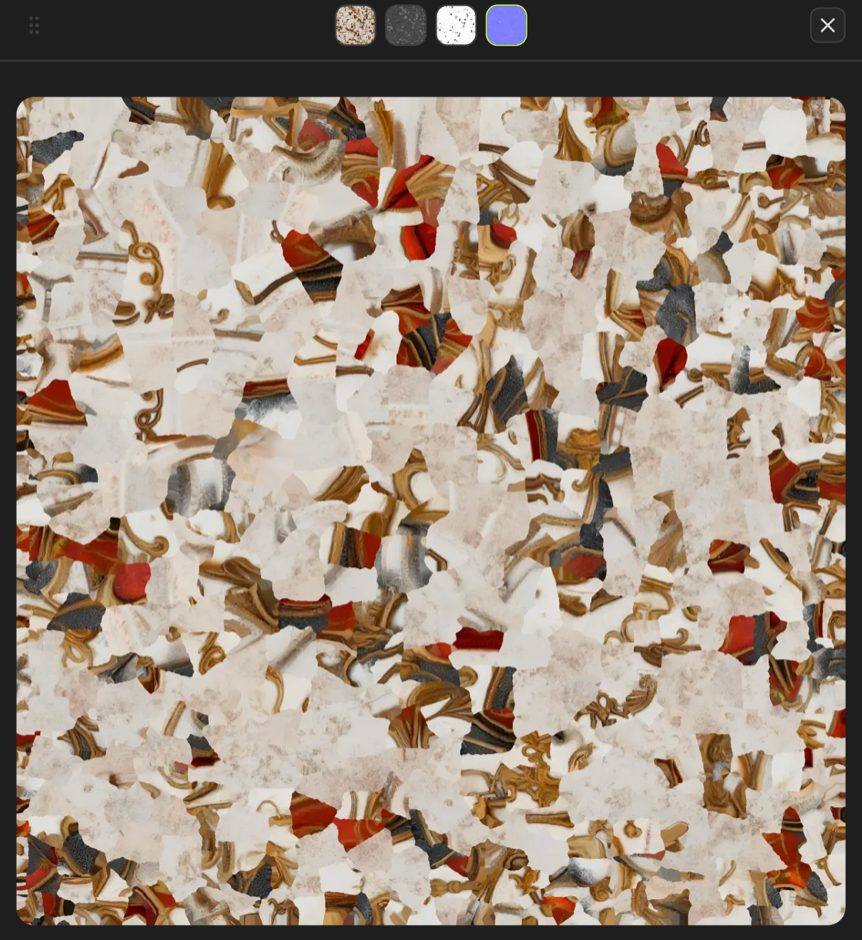
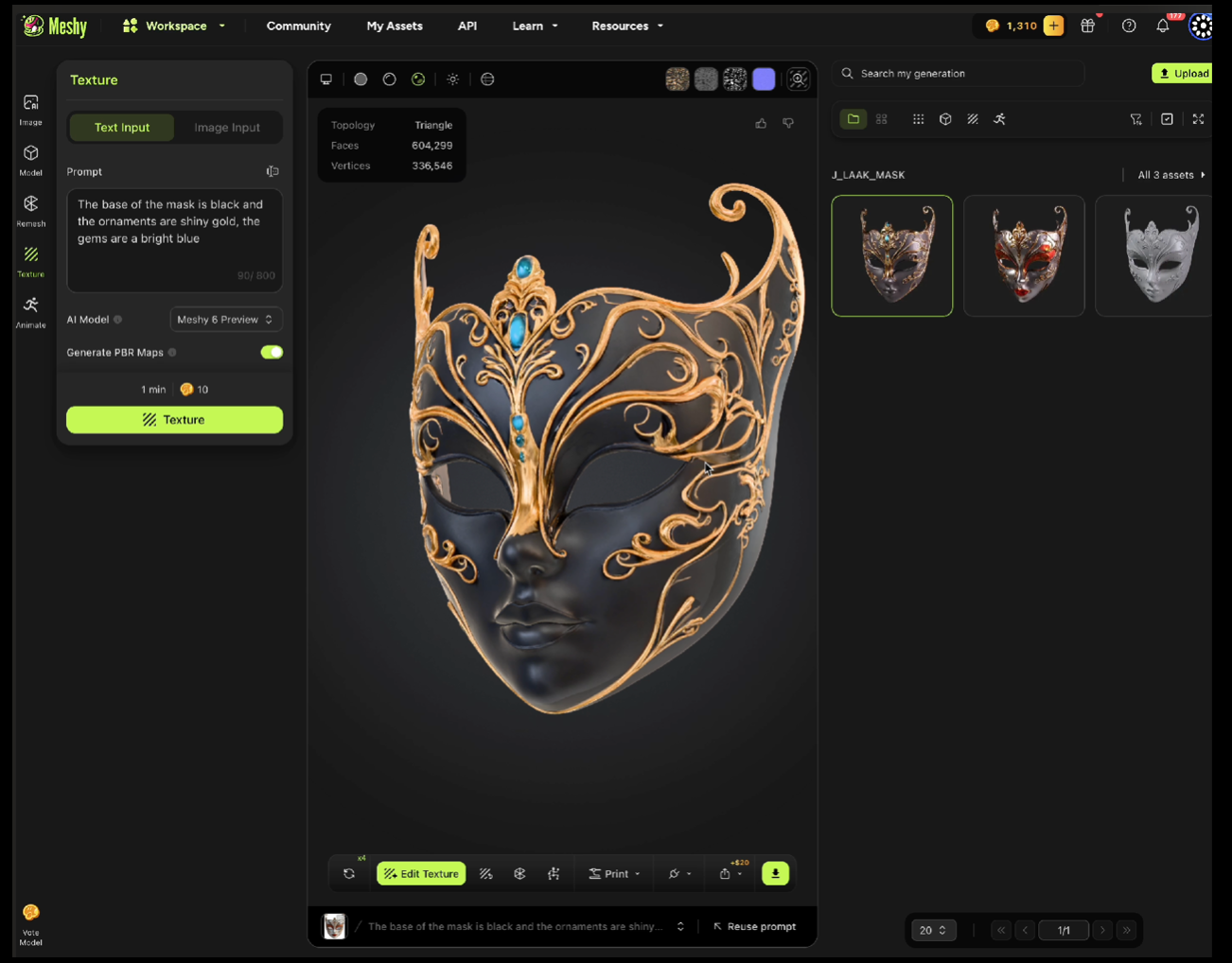
Meshy has an interesting feature in which we can re-create the material using a text prompt or image input.
PROMPT:
The base of the mask is black and the ornaments are shiny gold, the gems are a bright blue*
The base of the mask is black and the ornaments are shiny gold, the gems are a bright blue*
Houdini
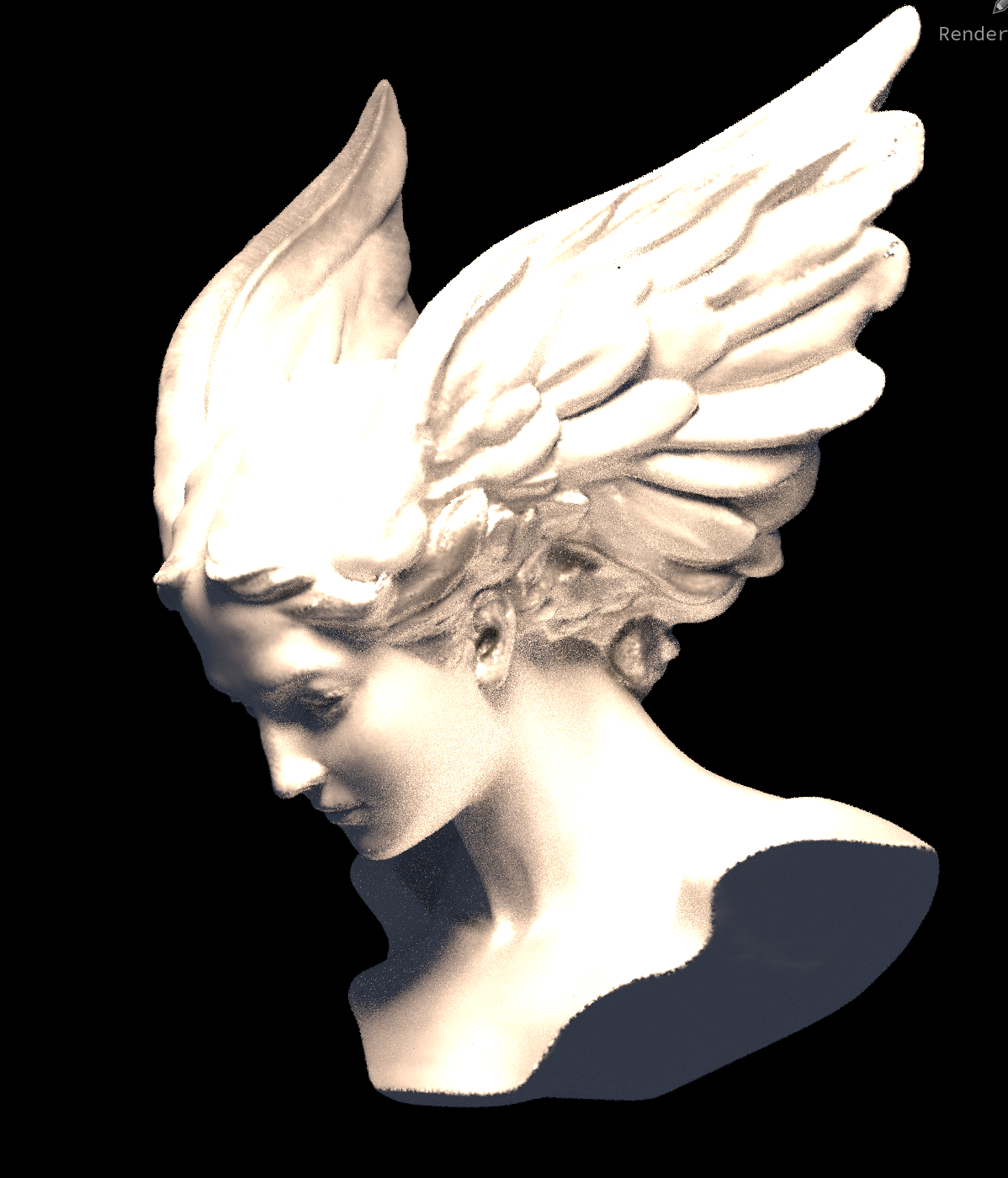
Houdini allows for state of the art lighting and rendering of our objects.
This enables a true 3D workflow which includes animation, simulations and re-texturing our objects.
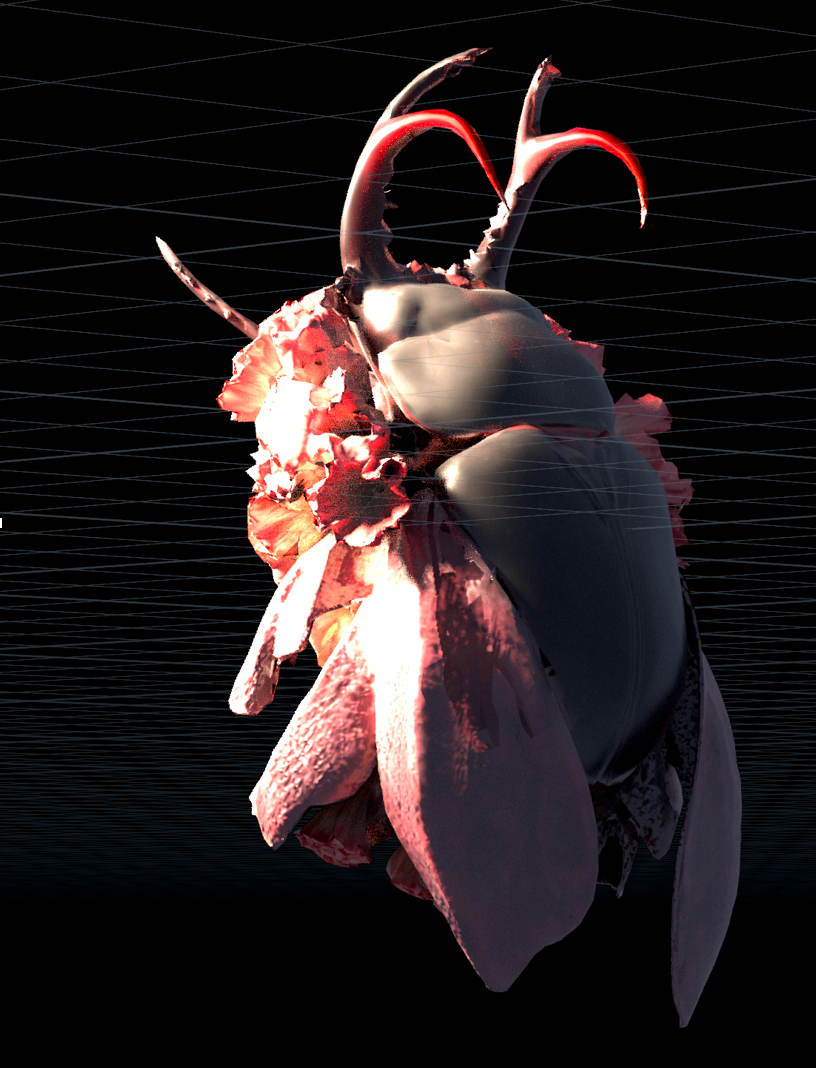
Houdini is very flexible, this enables an integrated experience of Meshy into Houdini’s scene system, allowing for the generation of models without leaving Houdini.
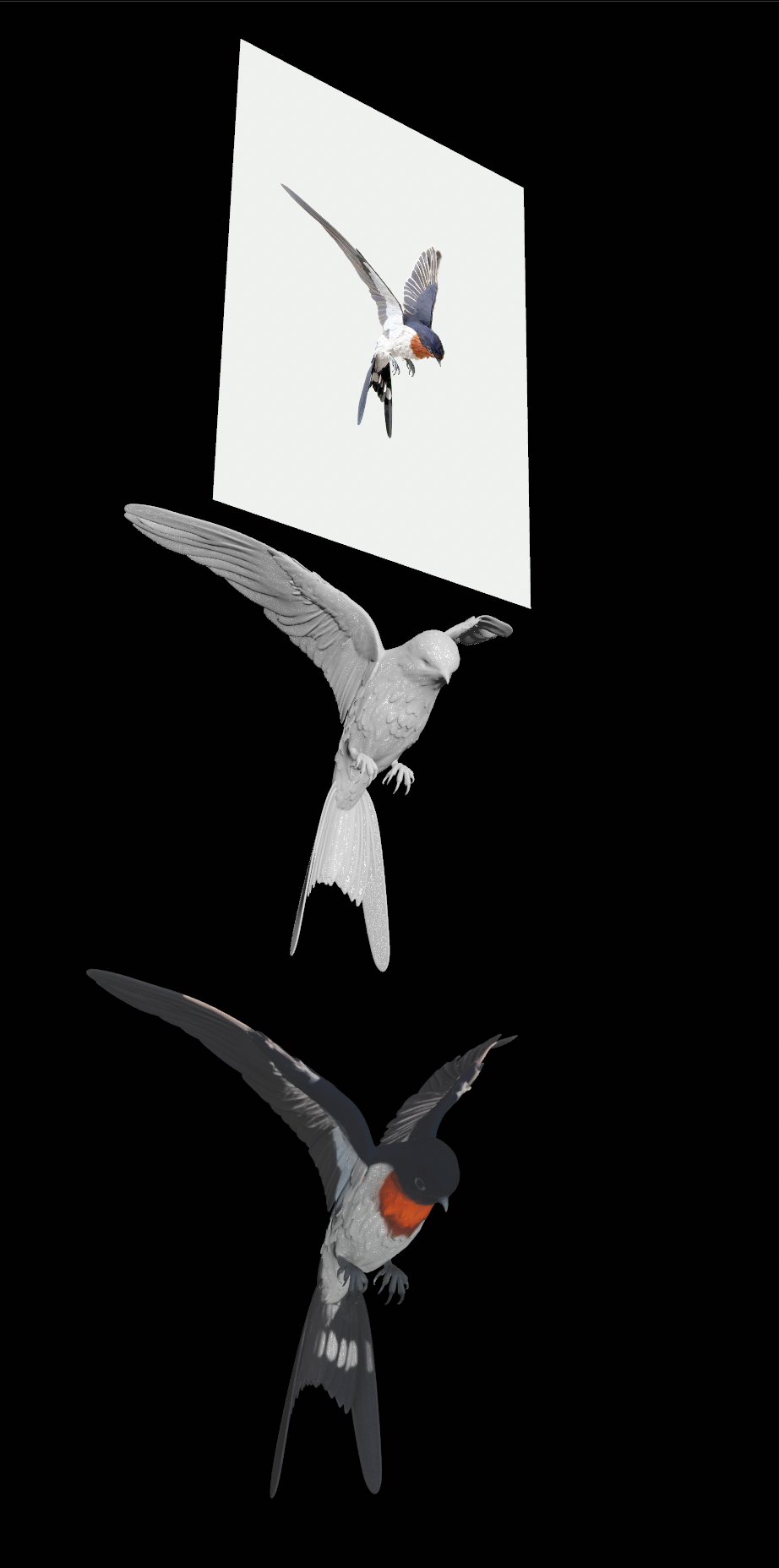
Using Meshy’s API we are able to call upon a much higher quality model, 10 times more polygons than the base model gives you.
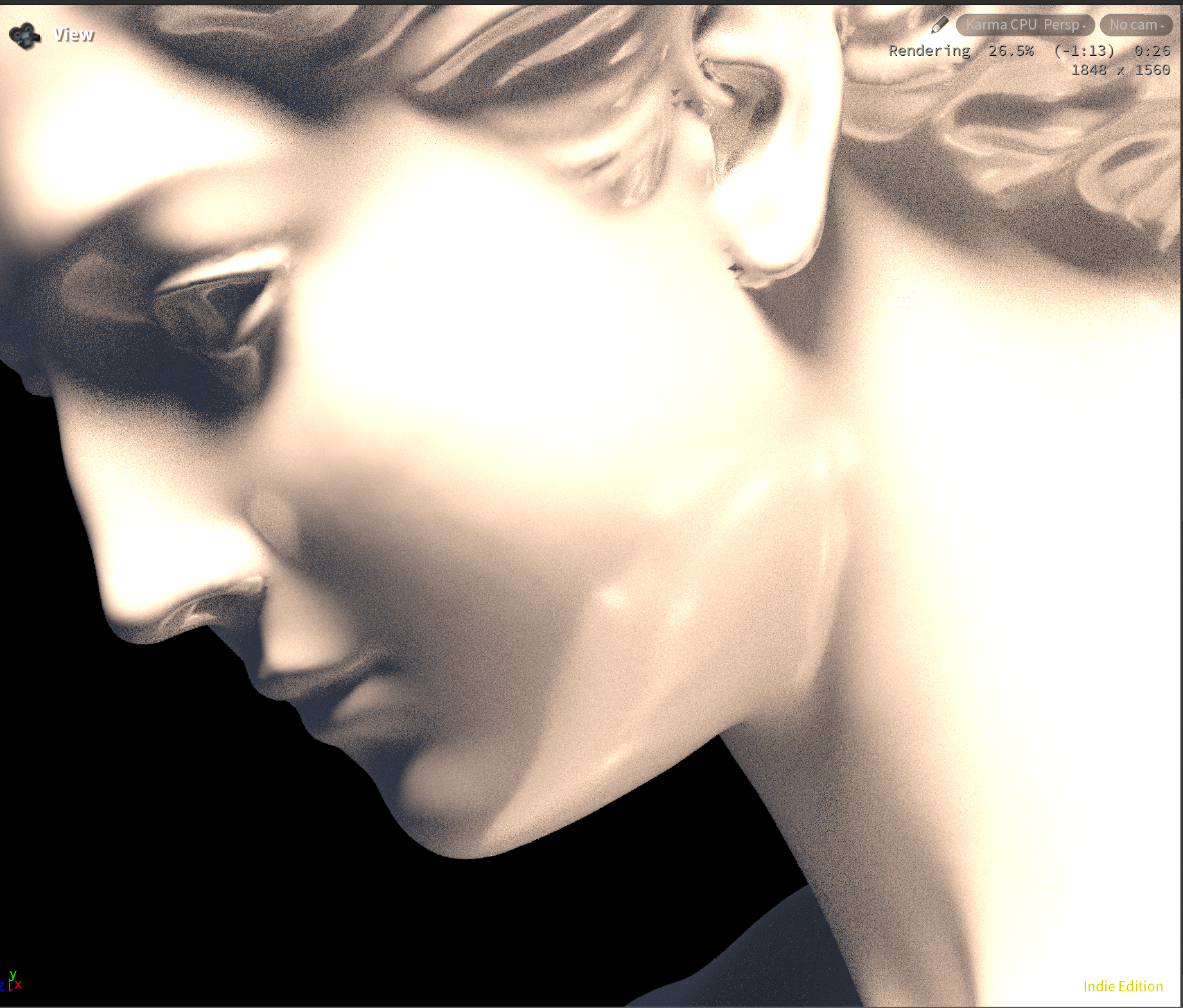
Our tool creates a smooth experience while enabling us to get the highest quality possible out of our images.
The folder of input images is turned into 3d meshes and textures, these are automatically imported back into our Houdini scene.
During the importing process, important attributes are created which are later used for more automation.
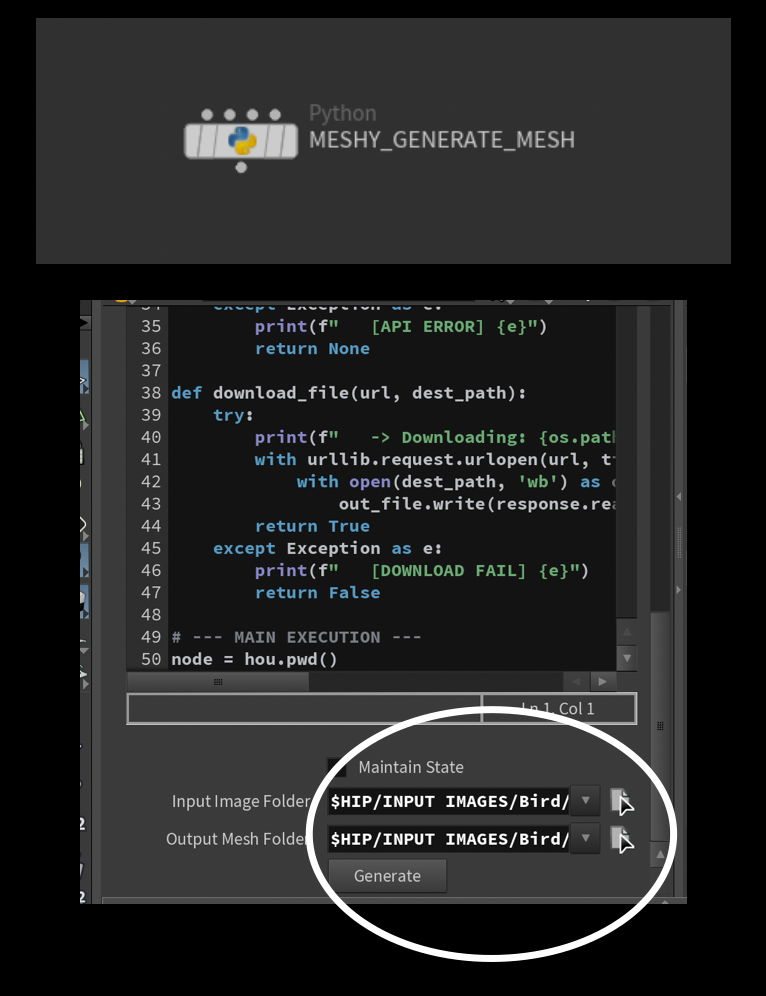
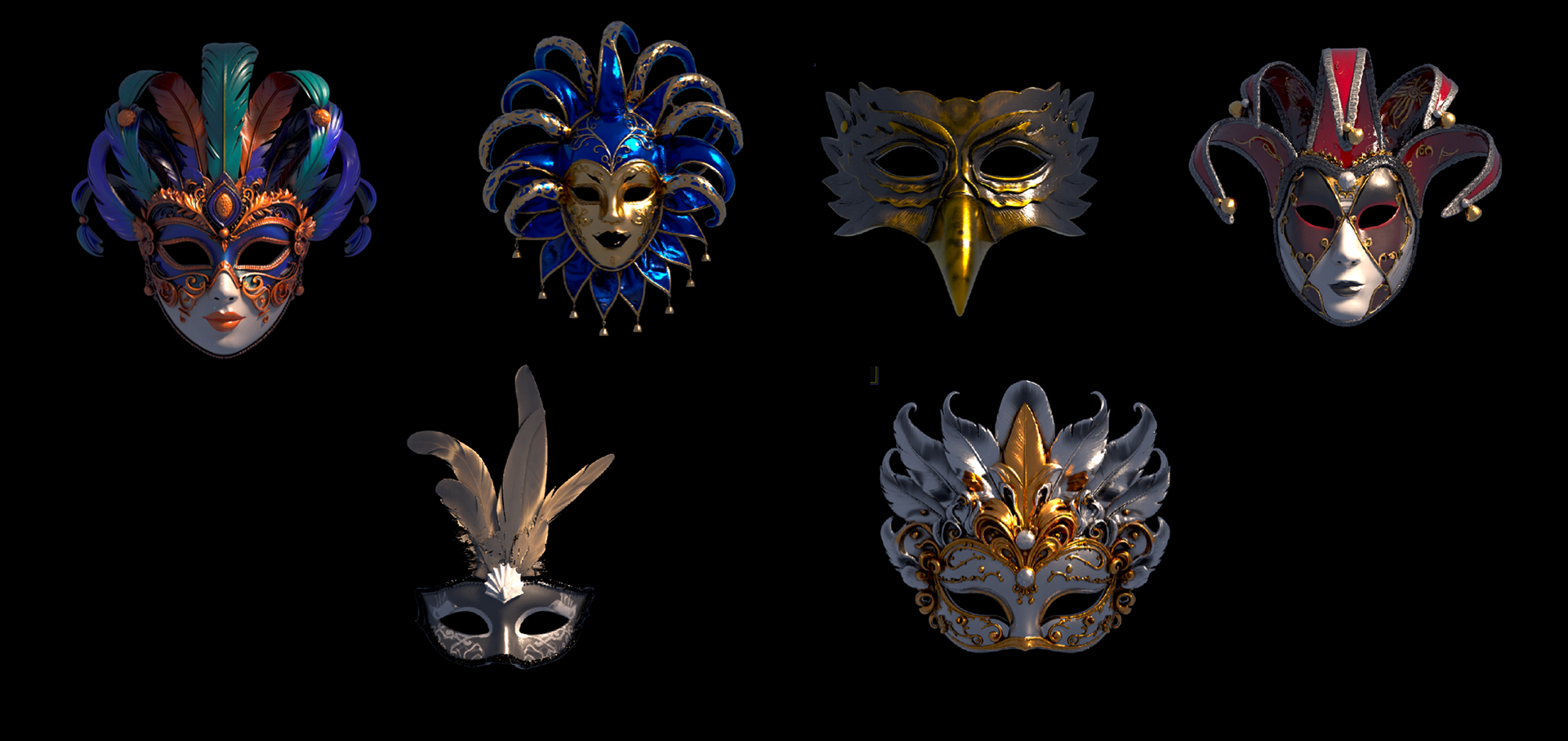
These models work with our automated Material Generation solution, the user needs only to define which model to import and the material updates automatically.
The tools are actively being updated as more features become available and our needs increase.

Thank you for your attention.